The Best Line of Code Is the One You Never Write: Meet Ponytail
Nowadays everyone is using AI to write code, but a very real problem is:AI writes too much.
For the same small requirement, it can easily become dozens or hundreds of lines, with various abstractions and encapsulations, which actually increases review and maintenance costs.
Is it possible to make AI, like that 'laziest but most reliable old-timer in the company', write only thejust enough minimum implementation?
ponytail is an open-source rule set (skill/plugin) born for this purpose. Its slogan is very blunt:
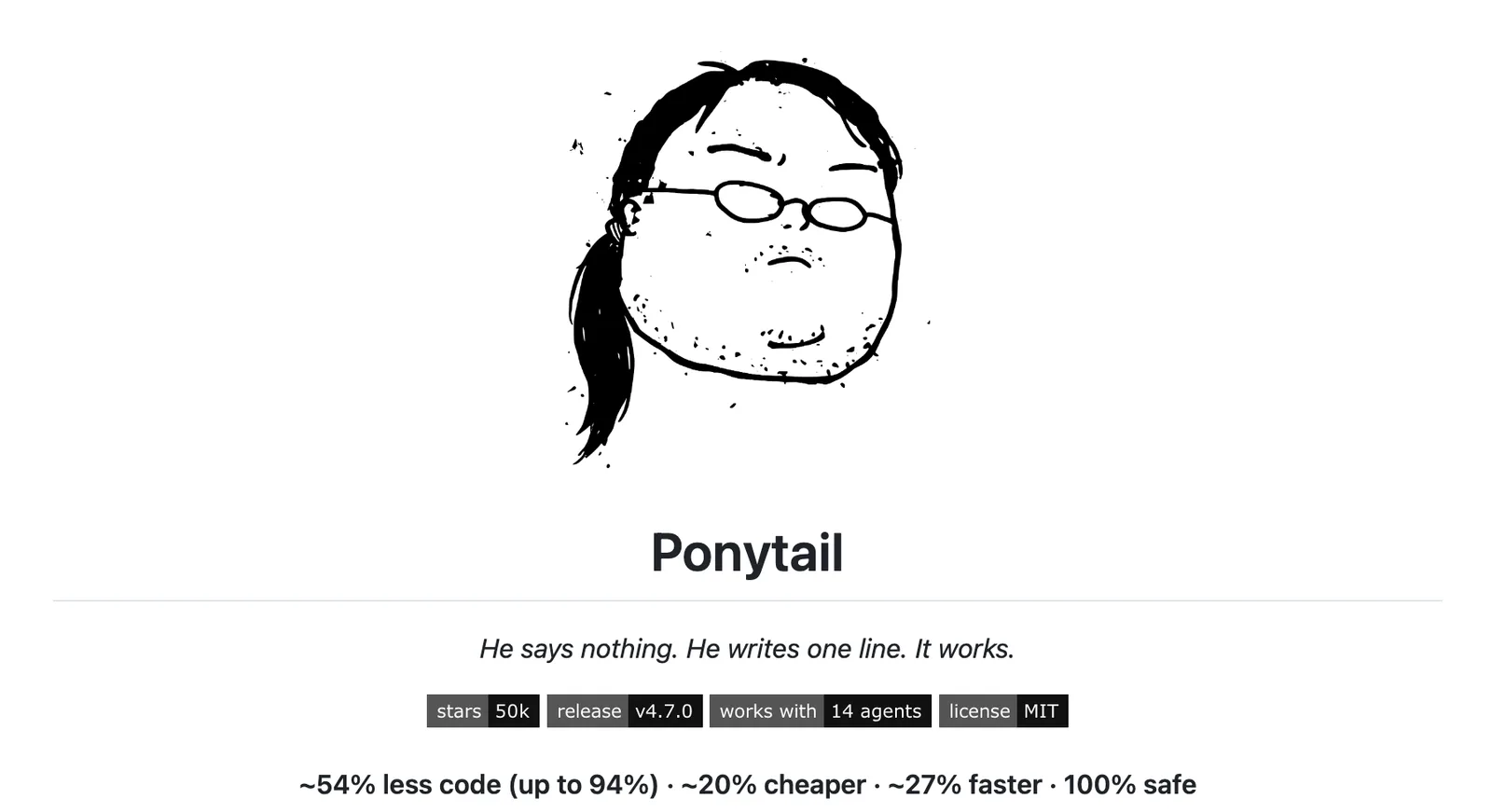
He says nothing. He writes one line. It works.
You give it 50 lines, it glances, silently deletes to 1 line, and it still works.
What is ponytail?
To summarize in one sentence:ponytail stuffs an 'extremely lazy senior engineer' into your AI code assistant.
It's not a new large model, nor a framework, but a set of 'rules + skills' that can be loaded into various AI coding agents:
Aim for minimal implementation, forcing AI to prioritize standard libraries, language built-ins, and existing dependencies.
Write 'don't write if you can avoid it, don't write two lines if one will do' into a clear decision ladder.
Provide a set of commands (/ponytail, /ponytail-review, /ponytail-audit, etc.) to help you find parts in your project that can be deleted or simplified.
In official benchmarks, after enabling ponytail, AI's performance on common tasks is roughly like this:
Code size reduced by 80–94%
Generation speed increased by 3–6 times
Token cost reduced by 47–77%
But things like security, boundary checks, and accessibility are explicitly forbidden from being 'stingy' — no critical defenses are sacrificed for laziness.
A Classic Example: Date Picker
The ponytail README gives a very typical example: 'I want a date picker.'
By default, many AIs do this:
Install a third-party date library (e.g., flatpickr)
Write a React wrapper component
Import a bunch of styles and configurations
And then start discussing time zones, internationalization...
But with ponytail, it first goes through the 'laziness ladder' (explained in the next section), and then arrives at a minimal solution:
<!-- ponytail: browser has one -->
<input type="date">
That's it — one line.
Browser natively supports date input
No extra dependencies needed
Good enough for most business scenarios
If you ever really need to switch to a custom component, this ponytail: comment also marks the upgrade path.
How does it make AI 'lazy'?
The core of ponytail is a 6-level 'decision ladder' that AI must go through in order before writing any line of code:
1. Does this thing really need to exist? → No: skip it (YAGNI)
2. Does the standard library already provide it? → Yes: use it
3. Does the language/platform have a native feature? → Yes: use it
4. Can an already installed dependency solve it? → Yes: use it
5. Can it be solved in one line? → Yes: write one line
6. None of the above → write a 'just enough' minimal implementation
As soon as a sufficient solution is found at any level,stop going further and don't reinvent the wheel.
Under the hood, it's turning several engineering principles we often talk about (YAGNI, KISS, prefer standard library) into hard rules, and 'injecting' them into AI's system prompts and plugin logic.
Notably: Things like trust boundary checks, data loss risk, security, and accessibility — ponytail explicitly marks them asareas that can never be lazy about, and won't cut them just to save a few lines of code.
Actual Effect: Less Code, Faster Feedback
In the benchmarks provided by the author, they used three different models (Haiku, Sonnet, Opus) for five types of everyday tasks (email validation, debounce, CSV sum, countdown timer, rate limiter), comparing three modes:
No skill (normal AI agent)
Caveman skill (another convergence rule set)
Ponytail rule set
The conclusion: ponytail consistently achieved 80–94% code line reduction across all models, while speeding up generation and reducing costs, and tasks still passed the same security and concurrency tests.
More importantly, it's not simply 'write less,' but preserves as much as possible:
Readability: avoid over-minifying to the point of being unmaintainable
Evolvability: every lazy shortcut will use a
ponytail:comment to note 'how to upgrade when you need to do it properly later'
For developers with code cleanliness obsession, this is more like a partner that 'automatically removes redundancy for you,' rather than a minifier that just randomly deletes code.
Which AI tools are supported? How to use?
Currently, ponytail has adapted to many mainstream AI coding agents and toolchains. The ones you likely use can be directly installed:
Claude Code (official plugin)
Codex
GitHub Copilot CLI
Gemini / Antigravity CLI
OpenCode
Pi agent harness
And those accessed via rule files: Cursor, Windsurf, Cline, GitHub Copilot (editor), Kiro, etc.
The typical installation is very 'lazy', for example in Claude Code it only takes two steps (execute in the command input box):
/plugin marketplace add DietrichGebert/ponytail
/plugin install ponytail@ponytail
Copilot CLI also has a similar marketplace command; for tools like Cursor/Windsurf, just copy the rule files from the repository to the appropriate location.
After installation, you can adjust the 'laziness level' via commands:
/ponytail lite/ponytail full(default)/ponytail ultra(use when you abhor over-engineering)/ponytail off(temporary disable)
There are also a few very practical commands:
/ponytail-review: only review the current diff, give a list of what can be removed/simplified/ponytail-audit: perform an 'over-engineering' health check on the entire repository/ponytail-debt: aggregate code'sponytail:comments into a 'tech debt list' to prevent 'we'll refactor later' from becoming just a mantra
If you want to globally enable a default mode, you can also set it via environment variable or configuration file, e.g., PONYTAIL_DEFAULT_MODE set to full or ultra.
Who Is It Suitable For? Some Practical Tips
From ponytail's design, it's particularly suitable for the following scenarios:
You heavily rely on AI to write boilerplate code, but don't want the project to become a 'code dumpster of AI output'
You are maintaining a medium-to-large frontend/backend project and want to use
/ponytail-review,/ponytail-auditto find redundant implementations that can be removedYou are creating teaching materials / demos / companion code for articles, hoping to keep examples as short and focused on core logic as possible
Based on my own experience, here are the recommended usage patterns:
Use ponytail as the default enabled rule set, so AI writes less from the start
For existing projects, start with
/ponytail-reviewon new PRs, then decide whether to run/ponytail-auditon the whole repositoryDuring reviews, treat
ponytail:comments as an 'upgrade anchor' — start from here when a more rigorous implementation is needed
If you are also using AI IDEs like Claude Code, Cursor, go ahead and install ponytail and run it on a real project for a week. You will intuitively feel:AI is no longer verbose, and the code has been slimmed down.
Follow on Google
Add HeyBinyang as a preferred source on Google
If you'd like to keep finding my updates through Google, you can mark this site as a preferred source and make it easier to spot in relevant reading flows.
SHARE
Share
Share this article.