What Is a Skill? A Developer's Primer
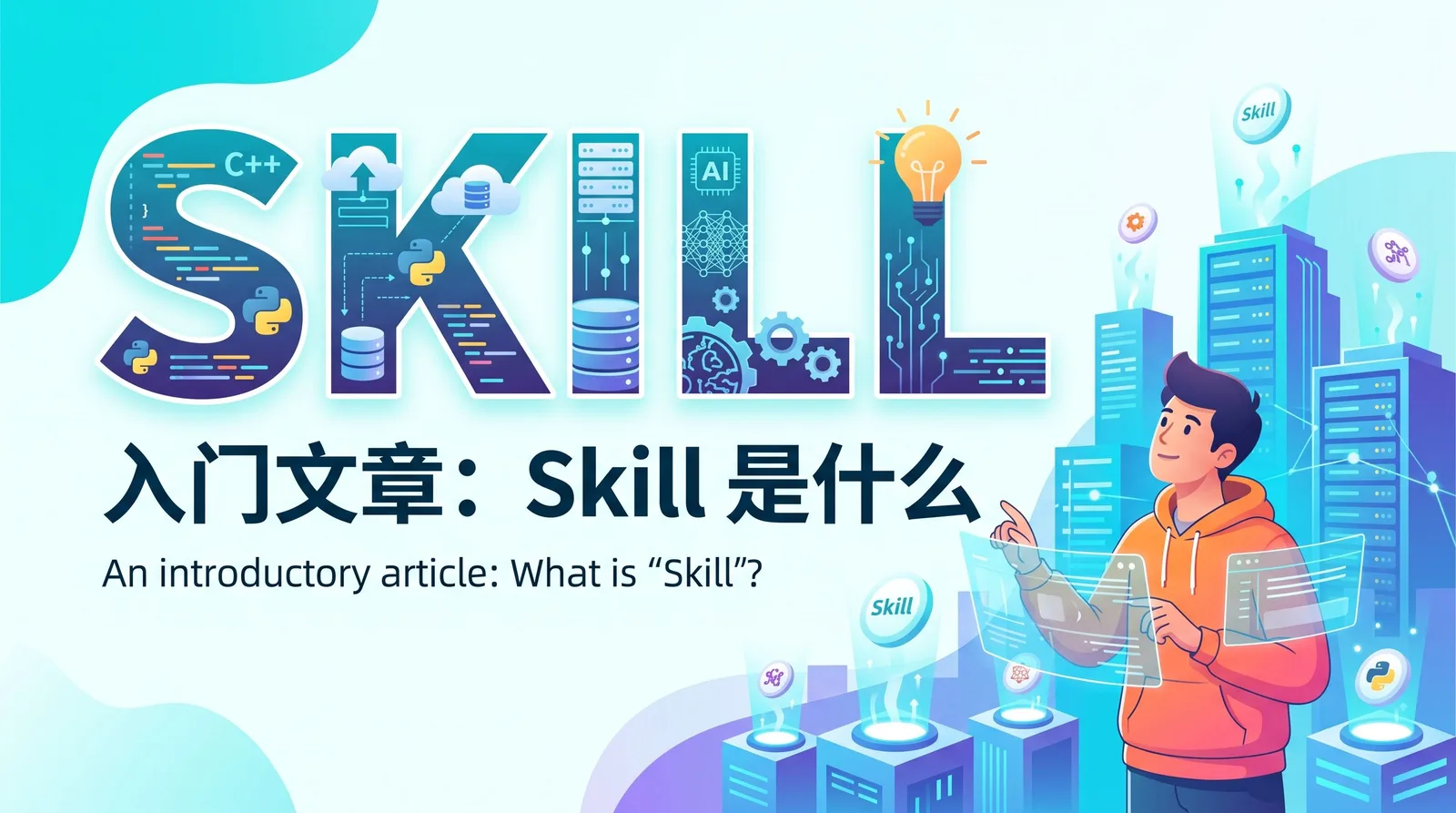
Skill (or Skills) can be understood as a "reusable skill pack" prepared for AI Agents. It is usually a folder containing task descriptions, scripts, templates, and reference materials. When AI handles related tasks, it will load these contents on demand, thereby completing specific work more stably and repeatably.
For developers, the value of Skill is not about "writing a longer Prompt", but about consolidating recurring experiences, processes, and standards. In this way, AI not only "knows what to do", but also better understands "what steps to follow, what results to produce, and what constraints to comply with".
First, the most basic standards
When getting started, you don't need to make Skill too complicated. Just grasp the most critical and commonly used parts. The core of Skill is a directory that must at least contain a description file. For more complex Skills, add scripts and resources.
A minimal structure suitable for beginners could be:
my-skill/
├─ SKILL.md
├─ scripts/
├─ assets/
└─ references/
The most critical part here is SKILL.md. As the entry file of the Skill, it usually contains two parts: first, header metadata, such as name and description; second, the main description, used to write trigger scenarios, execution steps, output requirements, and examples.
First, follow these basic standards:
One Skill only solves one type of problem; do not mix too many goals into the same Skill.
The directory name and
nameshould be as clear and specific as possible, such asnextjs-docker-dev,api-testcase-generator; do not use overly broad names.descriptionshould directly state "what scenarios it is suitable for, what problems it solves", so that AI can easily determine when to use it.SKILL.mdshould at least clearly state four things: when to trigger, what inputs are needed, how many steps to execute, and what to output finally.If there are fixed templates or scripts, put them into
assets/andscripts/; do not pile all details into Markdown.
If you want to see more complete standards and advanced practices, you can directly refer to official documentation and official materials: Anthropic Help Center's "What is a Skill" page, the official engineering blog's article on Agent Skills, and the official PDF 'The Complete Guide to Building Skills for Claude'.
Official Help Center: <https://support.claude.com/zh-CN/articles/12512176-什么是技能>
Official Engineering Article: <https://www.anthropic.com/engineering/equipping-agents-for-the-real-world-with-agent-skills>
Official PDF Guide: <https://resources.anthropic.com/hubfs/The-Complete-Guide-to-Building-Skill-for-Claude.pdf>
The Difference Between Skill and Prompt
Many people, when first encountering Skill, think it is just an "upgraded version of Prompt". This understanding is not wrong, but it is not accurate enough. Prompt is more like a one-time verbal instruction, while Skill is more like a long-term reusable SOP, which contains not only task requirements but may also include scripts, templates, and reference materials.
The advantage of Prompt is that it is lightweight and direct, suitable for ad-hoc tasks; the advantage of Skill is that it is stable and repeatable, suitable for frequently occurring work with clear quality standards.
Anthropic's Help Center explicitly describes Skill as a folder containing instructions, scripts, and resources, and emphasizes that Claude will dynamically load these contents to improve professional task performance.
What scenarios are suitable for using Skill
Not everything is worth turning into a Skill. The most suitable for Skill are usually tasks that are "frequently repeated, with clear steps, and verifiable output", because such tasks most easily benefit from standardization.
Common applicable scenarios include:
Setting up local development environment, such as generating Docker development configuration for a project.
Code generation or scaffolding initialization, such as creating module templates, page templates, test templates.
Test design and test code skeleton generation, such as automatically organizing API test points.
Tasks with relatively fixed formats such as documentation organization, release notes, PR description generation.
Conversely, one-time tasks, tasks whose processes are not yet stable, or tasks that rely heavily on inspiration and divergence, usually do not need to be turned into Skills in a hurry. It is often more efficient to first use ordinary conversations to smooth out the process, and then decide whether to consolidate it into a Skill.
What should a good Skill have
A good Skill is not necessarily complex, but usually has several common points: clear boundaries, specific descriptions, clear output, and reusability. Official materials and practical articles emphasize that the goal of Skill is not to write "grandiose", but to make AI perform stably on specific problems.
The most basic judgment criteria can be very simple:
Name is specific, indicating its purpose.
Description is clear, indicating the trigger scenario.
Steps are clear, AI knows what to do first and what to do later.
Output is fixed, easy to check if results meet standards.
When there are templates, scripts, or examples, they can be packaged together to reduce AI's need to guess each time.
For team collaboration, this is especially meaningful. Because Skill essentially transforms the working methods originally scattered in README, Wiki, and oral traditions into standard processes that AI can execute.
Case 1: Next.js Local Docker Development Environment
This is one of the most suitable development tasks to turn into a Skill. Because almost every project encounters local environment setup, and it is most likely to block newcomers: how to start dependent services, how to configure environment variables, how to unify Node versions, how to initialize databases, these problems usually recur.
If it is turned into a Skill, the goal is not just to generate a docker-compose.yml, but to let AI give a complete result around the entire "local development environment". For example, it should be able to identify the project's package manager, Next.js startup method, whether it depends on Postgres/Redis, and continue asking for missing information, then output a set of runnable Docker configuration and documentation.
A typical output can include:
Dockerfile, defining Node environment and application startup method.docker-compose.yml, linking app, database, cache and other services..env.example, listing environment variables needed for local development.scripts/dev-init.sh, performing initialization, migration, or seed.README-docker.md, telling the team how to start and how to debug.
The core steps of this Skill are usually: first check the current state of the repository, then identify the tech stack and dependent services, then ask for missing information, and finally generate files with instructions. This structure is much more reliable than a one-liner like "Help me write a Docker configuration", because it unifies context collection, file generation, and delivery instructions into a fixed process.
A very simplified SKILL.md header can be written like this:
---
name: nextjs-docker-dev
description: 为 Next.js 项目生成本地 Docker 开发环境,包括 app、数据库、缓存、环境变量模板和启动说明。
---

当用户希望为 Next.js 项目补充本地 Docker 开发配置时使用本 Skill。

步骤:
1. 检查项目是否已有 Dockerfile 或 compose 文件。
2. 识别包管理器、Node 版本、启动脚本。
3. 询问是否需要 Postgres、Redis、热更新。
4. 生成 Dockerfile、docker-compose.yml、.env.example。
5. 输出启动命令、常见故障和排查说明。
This example illustrates the essence of Skill: not to pile all knowledge into a single Prompt, but to clarify the common decision path of a task for AI to use repeatedly.
Case 2: Automatically Generate API Test Cases
The second very suitable case for Skill is automatically generating API test cases. Because API testing naturally has fixed routines: normal path, parameter validation, permission validation, boundary conditions, error handling, idempotency, and response structure checking. These contents are very suitable for standardization.
If relying only on a one-time Prompt, although AI can list some test points, the output quality often depends on whether your questioning is complete. After turning it into a Skill, you can specify in advance: first read the API definition, then list test points according to unified dimensions, then output test code skeleton according to the specified framework, and finally mark uncertain items for manual confirmation.
The input of this Skill usually includes:
OpenAPI / Swagger documentation or API definition.
Authentication method, such as Bearer Token or Session.
Testing framework used, such as Jest, Pytest, Playwright API.
Environment information, such as dev or staging base URL.
The output can be divided into two layers: the first layer is structured test points, and the second layer is automated test code templates. For interfaces like "create order", a relatively complete Skill will at least guide AI to cover key cases such as normal creation, missing parameters, permission failure, insufficient inventory, and whether duplicate submissions are idempotent.
A simplified version of SKILL.md can be written like this:
---
name: api-testcase-generator
description: 根据 API 定义生成结构化测试点和自动化测试代码骨架,适用于 REST API 接口测试。
---

当用户希望为 API 自动生成测试用例、补齐边界测试或生成测试代码模板时使用本 Skill。

步骤:
1. 读取 API 定义,包括路径、方法、参数、响应和鉴权方式。
2. 生成正常路径、参数异常、权限异常、边界值、幂等性等测试点。
3. 按用户指定框架输出测试代码骨架。
4. 对不确定的业务规则标记“需要确认”。
The value of this Skill is not just speeding up, but more importantly helping the team to make "testing experience" explicit. Previously relying on implicit knowledge in senior colleagues' minds, it can now become a workflow that AI can call repeatedly.
How to use AI to help yourself make Skills
The most common misconception when making Skills is to try to design a very complete set of specifications from the start. A more efficient approach is usually to first take a real task, let AI and you work through it together, and then extract the stable, repeatable parts.
A practical approach is to follow four steps:
First complete a real task, observe what information AI lacks, where it is prone to errors.
Break this task into fixed steps, organize inputs, follow-up questions, and outputs.
Put high-frequency templates, scripts, and documentation into the Skill directory.
Continuously correct the Skill using real bad cases, rather than writing it once and forgetting about it.
This method is especially suitable for development teams, because many processes already exist, just scattered in different places. What Skill does is actually reorganize these scattered knowledge into a form executable by AI.
How to use Skill well at work
The real value of Skill is not because the "concept is advanced", but because it can enter the daily workflow. Official materials mention that one of the important uses of Skill is to carry organizational knowledge and professional workflows, which is especially practical for development teams.
Practices that are easier to implement at work usually include three:
Start with small tasks, first make a Skill that is high-frequency, with clear boundaries, and easy to verify the effect.
Treat Skill as an executable version of team knowledge, not just static documentation.
Maintain Skill like maintaining code, continuously correcting it based on failure cases.
For many teams, a "Local Docker Development Environment" Skill, or an "API Test Case Generation" Skill, is enough as a starting point. Because these two types of tasks simultaneously meet the three conditions of frequent repetition, stable process, and intuitive value, they are very suitable for quickly seeing benefits.
Conclusion
If I had to explain Skill in one sentence, it would be: it is a work manual that packs experience, standards, processes, and resources into an AI-repeatedly-callable format. Anthropic's official definition also clearly states that Skill is a folder composed of instructions, scripts, and resources, and Claude will dynamically load them in related tasks to improve professional task performance.
For developers, the most worthwhile investment in Skill is not "whether it can be made very complex", but "whether a repetitive task can be made stable, easy to use, and handable". From Next.js local Docker development environment to automatically generating API test cases, these are all very suitable starting points for beginners.
Follow on Google
Add HeyBinyang as a preferred source on Google
If you'd like to keep finding my updates through Google, you can mark this site as a preferred source and make it easier to spot in relevant reading flows.
SHARE
Share
Share this article.