Codex Subagents in Practice: Three Scenarios to Double Your Dev Efficiency
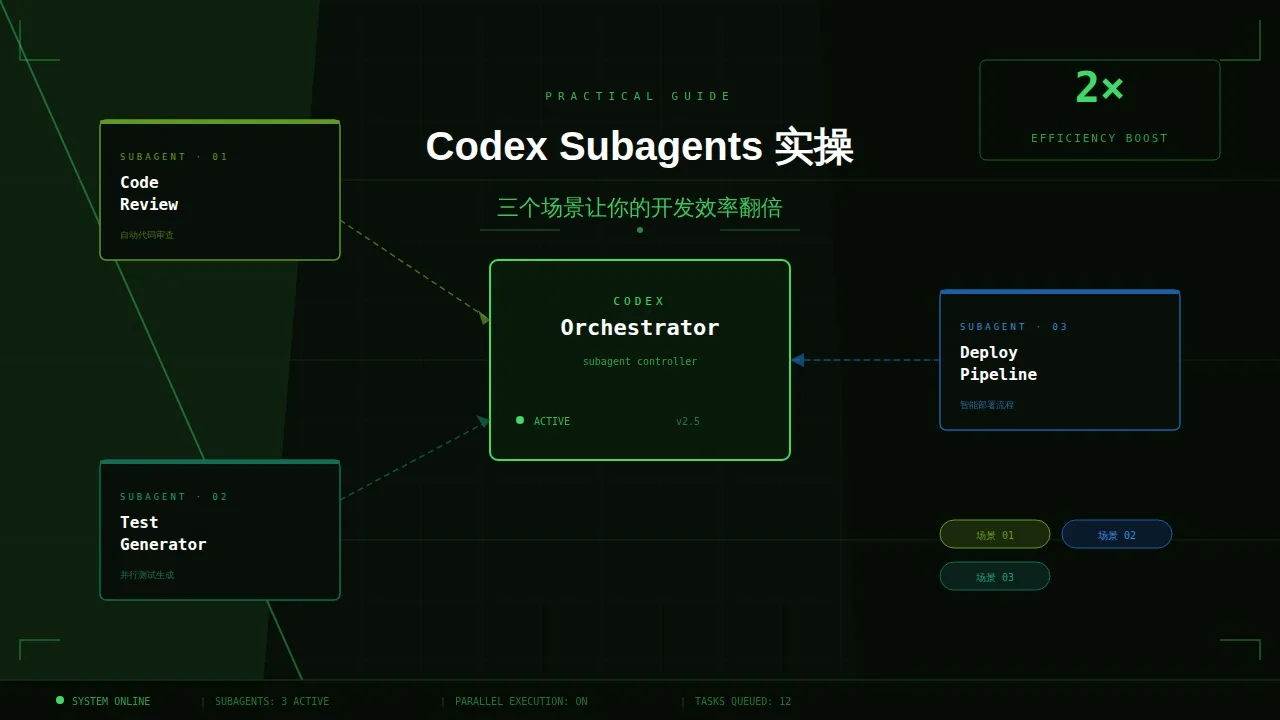
Solve the Most Annoying Daily Programming Tasks with Codex Subagents
Fixing a small bug requires reading through lots of code for a long time, no one reviews your module after you finish writing it, documentation is always outdated... These are things you handle alone, so your efficiency naturally suffers. Think of Codex Subagents as "calling a few dedicated colleagues to help you work simultaneously" — you say the word, they each take a task, work in parallel, and report back to you when done.
Scenario 1: Fixing bugs without guessing
Pain Point
You receive an error and have no idea where to start. After reading one file, you find the issue is in another file; you jump over, only to find it depends on a third file. You go around in circles without identifying the root cause.
How to do it
Paste the full error message directly to Codex without analyzing it yourself first
Have one agent specifically trace the code call chain — read-only, no code modification — to find the actual execution path
Simultaneously have another agent check the documentation to verify the relevant API usage is correct
Once both are done, have Codex write a fix based on these two conclusions
Copy this prompt directly:
我遇到了这个报错:[粘贴报错信息]

请同时:
1. 用 explorer 追踪报错的完整调用链,找出根本原因,只分析不修改代码
2. 确认涉及的 API 用法是否正确

等两者都完成后,给我一个最小改动的修复方案,并说明为什么这样改。
What's the advantage over "directly asking Codex how to fix it"?the explorer sees the actual execution path, not a path guessed by AI based on code structure. Guesses might be correct, but the real path is always correct.
Tip: Make sure the error message is as complete as possible, including the stack trace and context of the triggering operation. The more information, the more accurate the call chain analysis will be.
Scenario 2: Pre-commit self-check checklist
Pain Point
Every time before git push you have to go through it yourself, easy to miss things — missing supplementary tests, forgetting to update documentation, security issues not discovered. Relying on manual review, the more rushed, the more likely to slip up.
How to do it
One agent checks code logic and edge cases
One agent checks if there are corresponding tests and what is missing
One agent checks if comments and key function documentation are updated synchronously
Three tasks run in parallel, you don't need to ask one by one — results come at once.
Copy this prompt directly:
我准备提交这次修改,请在我 push 前帮我做一次快速自查。

同时检查以下三点:
1. 代码逻辑:有没有边界情况没处理、有没有明显的 bug
2. 测试覆盖:新增/修改的逻辑有没有对应的测试用例,缺哪些
3. 文档同步:涉及到的函数、接口注释是否还准确,有没有过时的说明

每项输出一个简短清单,critical 的问题标红(用 [!] 标注),其余按严重程度排列。
After using it once, it becomes muscle memory: running this prompt before commit is much more reliable than reviewing the diff yourself, and saves time compared to waiting for code review feedback.
Scenario 3: Understanding unfamiliar codebases
Pain Point
Taking over someone else's project, or introducing a new open source library, have no idea where to start. README might be outdated, comments might be missing, so you have to grind through from the entry file line by line.
How to do it
Have one agent generate an overall architecture description: module division, entry files, core data flow, key dependencies
Have another agent find the "most dangerous" areas: complex logic, missing tests, messy comments
Both run in parallel; get a ready-to-use "handover report" in 5 minutes
Copy this prompt directly:
请帮我快速了解这个代码库,同时做两件事:

1. 生成一份项目地图:主要模块、入口文件、核心数据流、关键依赖,用简洁的中文描述,不超过500字
2. 找出"危险区域":逻辑复杂但缺少注释、没有测试覆盖、或者有明显坏味道的代码,列出文件路径和简短说明

我是第一次接触这个项目,输出要让我能在10分钟内搞清楚该从哪里开始。
"Project map" and "danger zones" are both essential: looking only at architecture, you don't know where to step in pitfalls; looking only at danger zones, you lack overall context. Putting both reports together directly improves handover efficiency.
Tip: If the codebase is large, specify a subdirectory or core module first to focus the agent's scope, making the output more precise.
One thing to note
In the three scenarios above, the agents are doing "exploration and analysis" — read-only code, no modification, so no big problems. If you want the agent to directly modify code, start with a small scope, single file, confirm it truly understands your intent before gradually delegating more authority; don't hand over the entire module from the start.
Follow on Google
Add HeyBinyang as a preferred source on Google
If you'd like to keep finding my updates through Google, you can mark this site as a preferred source and make it easier to spot in relevant reading flows.
SHARE
Share
Share this article.